It's Not Just a POS
AutoCount POS goes beyond a cashier counter — it's a fully integrated retail and F&B management system.
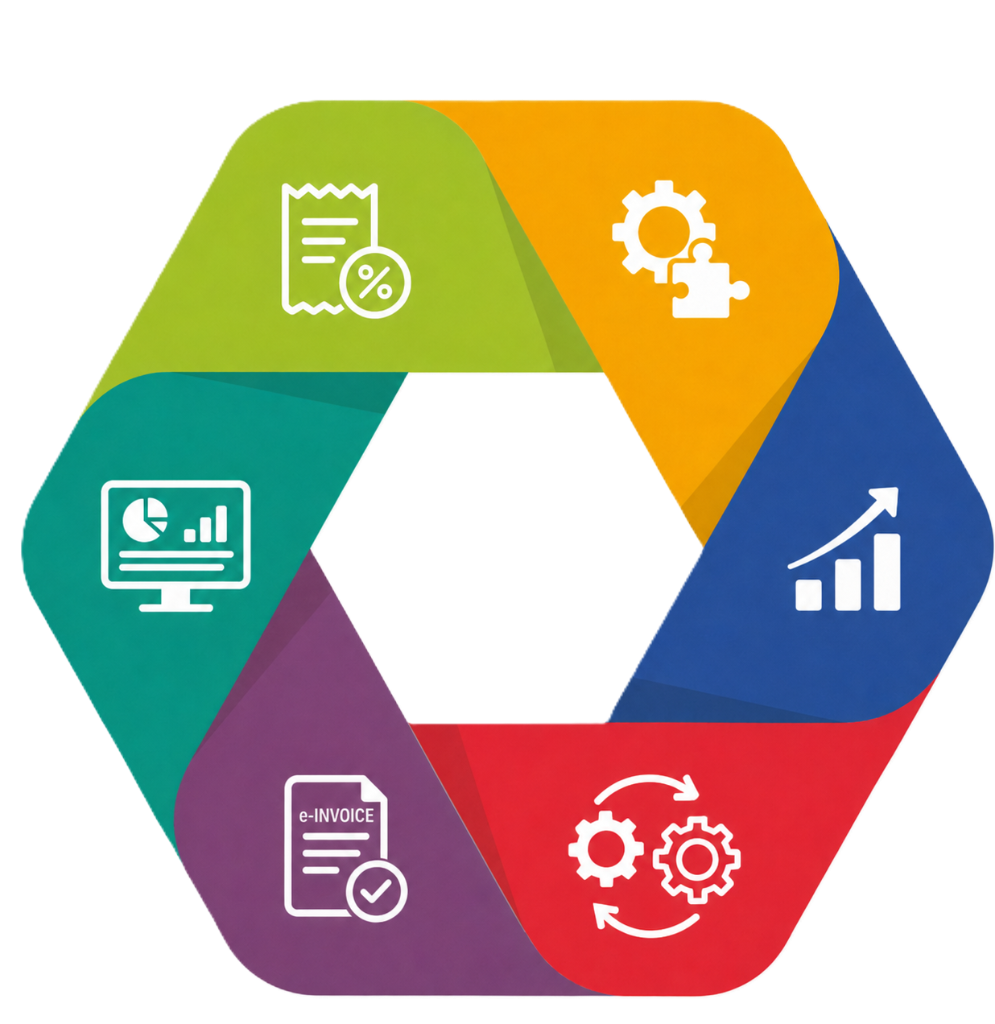
SST-Compliant POS
Fully SST-ready with tax-inclusive pricing, GST migration support, and government-compliant receipt formatting built into every transaction.
Real-Time Control
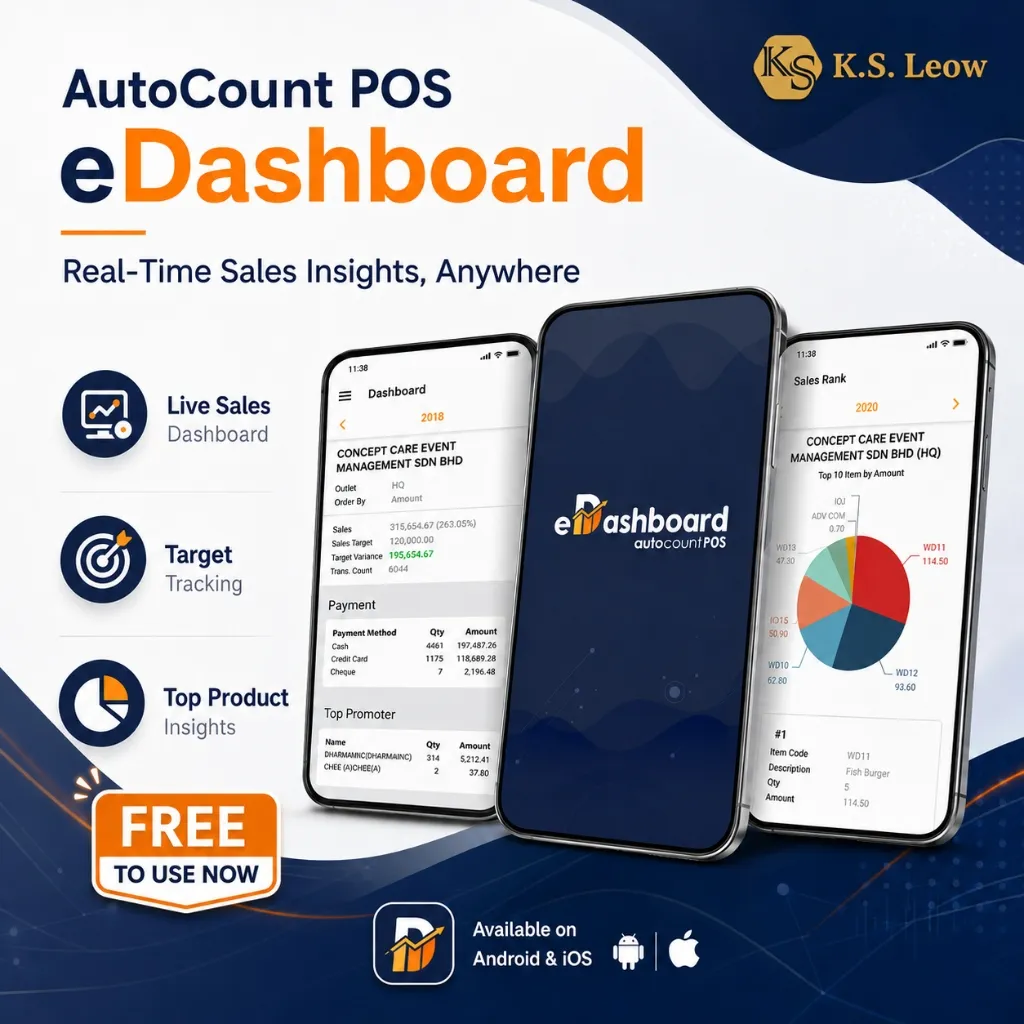
Monitor live sales, track stock levels, manage cash flow, and view outlet performance from anywhere with real-time dashboard and reporting.
LHDN e-Invoice Ready
Submit, validate, and manage LHDN-compliant e-Invoices directly from the POS counter — integrated with MyInvois for seamless compliance.
Integrated with Accounting
POS sales, stock movements, payment collections, and daily reports sync directly to AutoCount Accounting — no duplicate data entry required.
Scalable for Any Size
From a single counter to multi-branch outlets — add counters, branches, and users as your business grows without replacing your system.
Built for Your Business
Built-in report designer, plugin support, customisable grid layout, user-defined fields, scripting, and Web API for software integration.
Current AutoCount POS Offers
Understand AutoCount POS Backend and Frontend
For Owners and Management
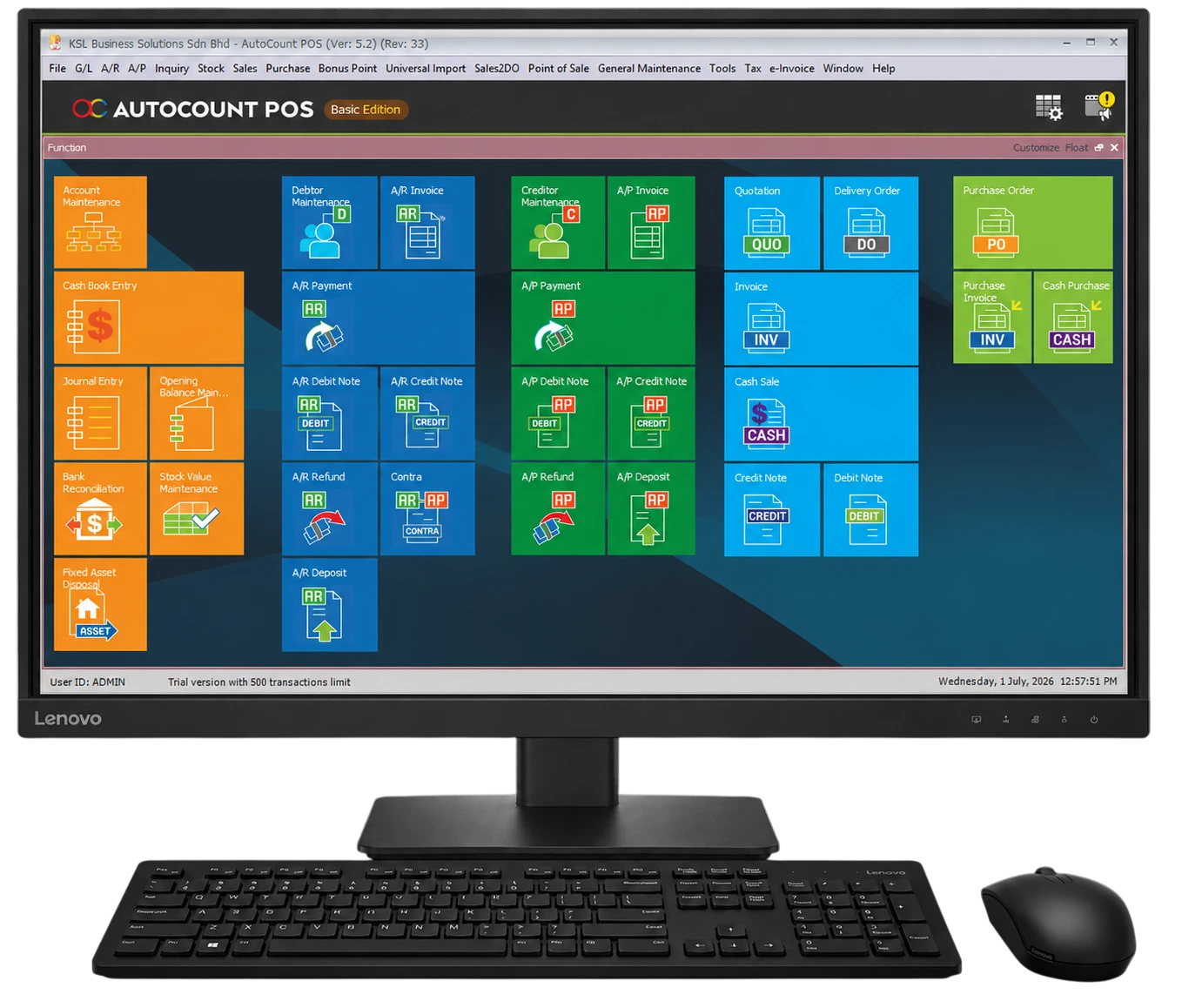
Manage POS operations, products, pricing, cashier access rights, outlets, stock, and reports from one central system.
With selected modules, AutoCount POS Backend can also support cash sales, accounting, e-Invoices, customer and supplier transactions, and financial reporting.
- Manage products, pricing, customers, users, outlets, and cashier access rights.
- Set prices, discounts, and promotions.
- Review sales, stock, closing reports, audit trails, and sync status.
- Handle cash sales, accounting, and e-Invoices with selected modules.
- Centralize POS and accounting data in one system.
For Cashiers
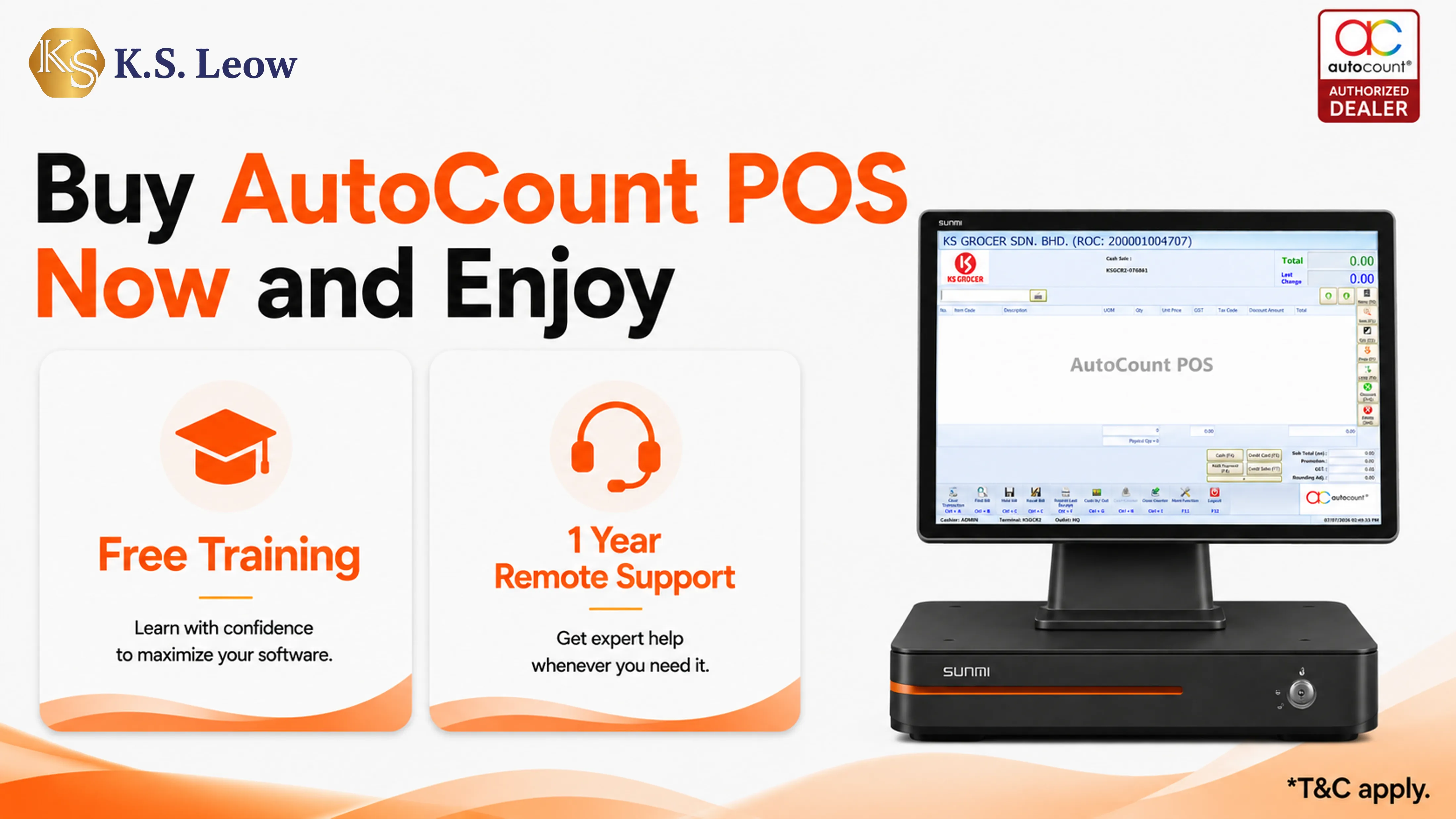
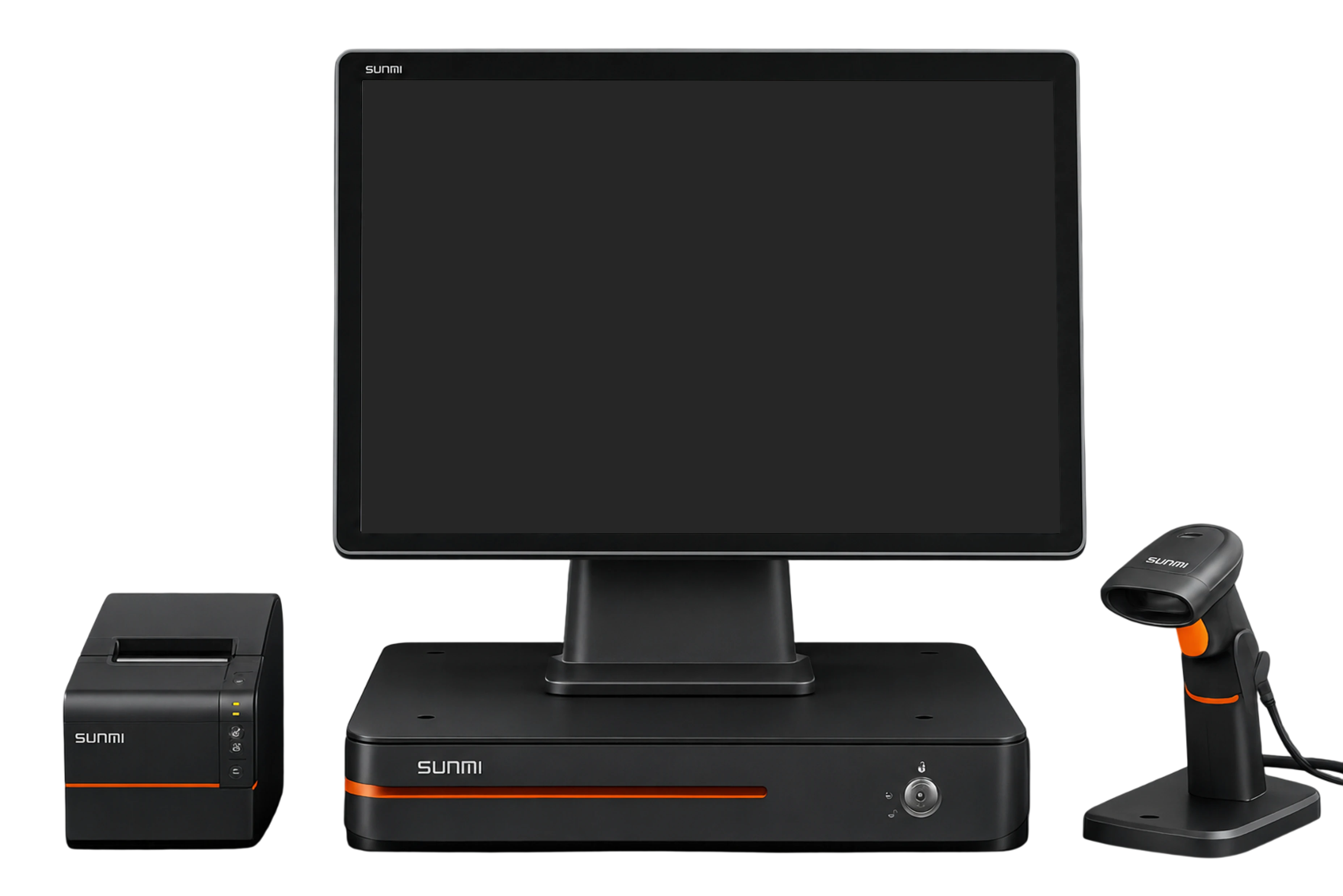
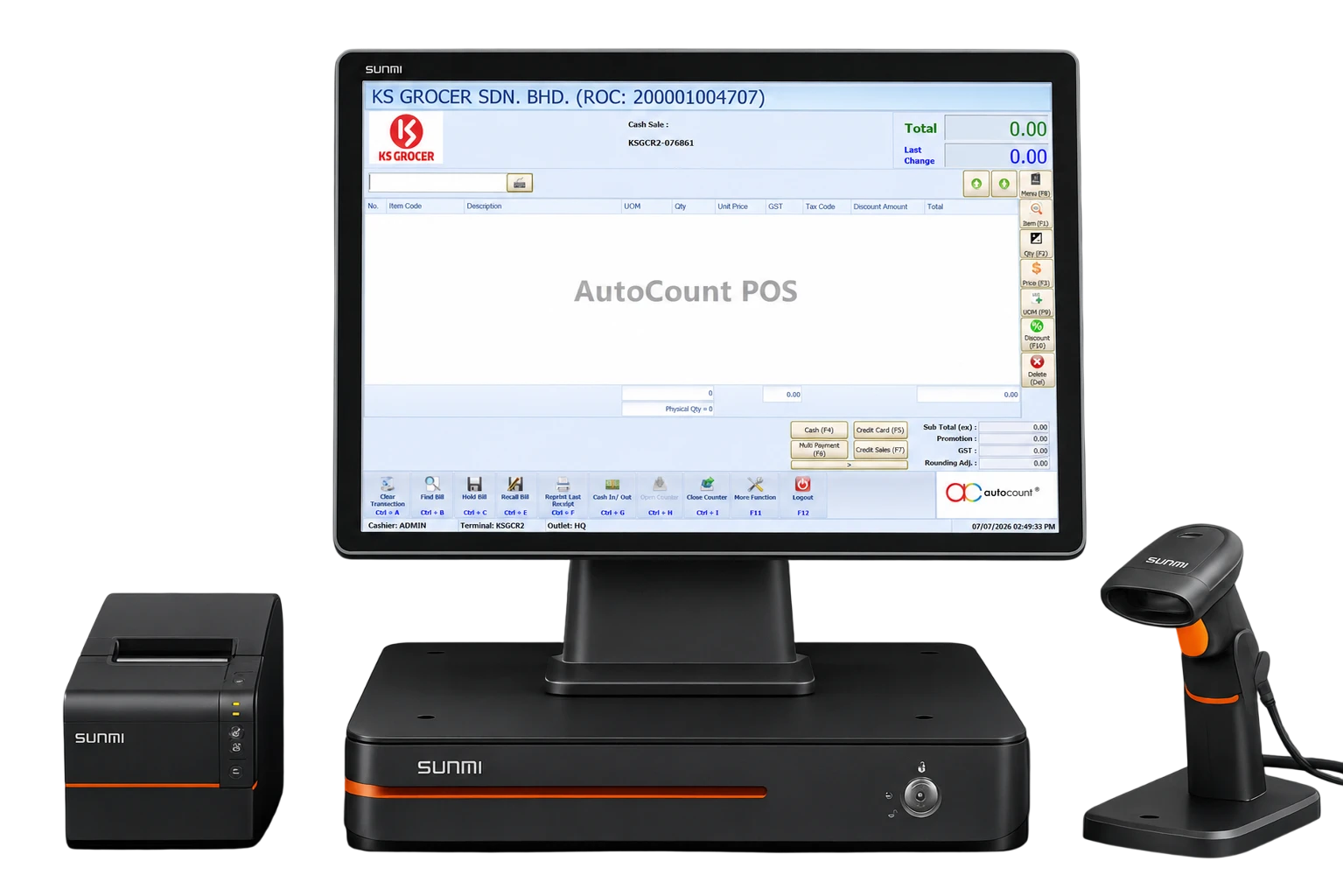
Manage daily sales, returns, payments, receipts, and e-Invoice submissions through a fast and user-friendly checkout system.
Add more register counters anytime as your business grows. Each counter can operate without an internet connection and supports customizable receipt and report designs to meet different business requirements.
- Scan items and process sales, returns, and payments.
- Print receipts and customise receipt formats.
- Submit e-Invoices directly from the counter.
- Connect with barcode scanners, receipt printers, cash drawers, and payment devices.
- Sync sales and stock movements with the backend.
AutoCount POS Tutorial Guide
Follow AutoCount POS training videos for front-end cashier flow, backend setup, item and stock handling, and the practical steps your outlet team needs before going live.
POS Backend Editions
POS Basic
Essential POS for single-counter retail businesses.
- 1 POS Counter A
- 3 Default Account Books
- 1 E-Invoice Account Book
- 1 Concurrent Network User
- Complete POS Functionality
POS Standard
Full-featured POS with POS Stock included.
- Everything in POS Basic
- POS Stock Module Included
POS Front End Editions
Counter A
Primary counter with local database included.
- Local Database Included
- Full Frontend POS
- Receipt Printing
- Barcode Scanning
- Cash Drawer Support
Counter B
Additional counter for multi-register setups.
- Connects to Counter A Database
- Full Frontend POS
- Receipt Printing
- Barcode Scanning
- Cash Drawer Support
Branch
Multi-outlet solution with local database & branch sync.
- Local Database Included
- Branch Sync Included
- Full Frontend POS
- Remote HQ Support
- Multi-Location Management
Official Release Notes
25 revisions • 6 highlights • Rev Release 41 • Newest first
Why Choose Us?
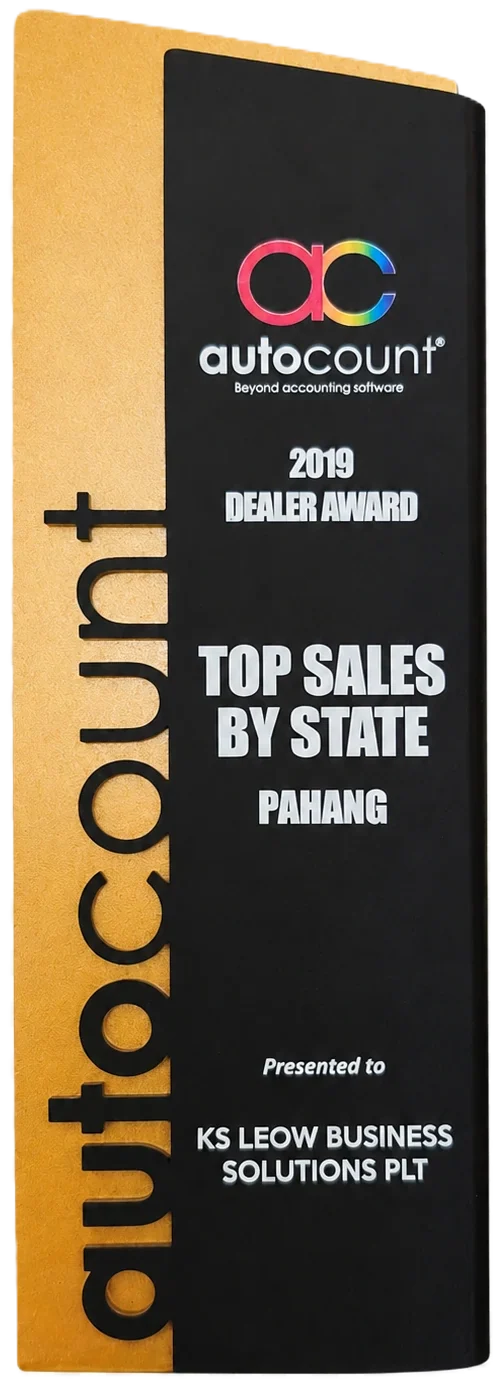
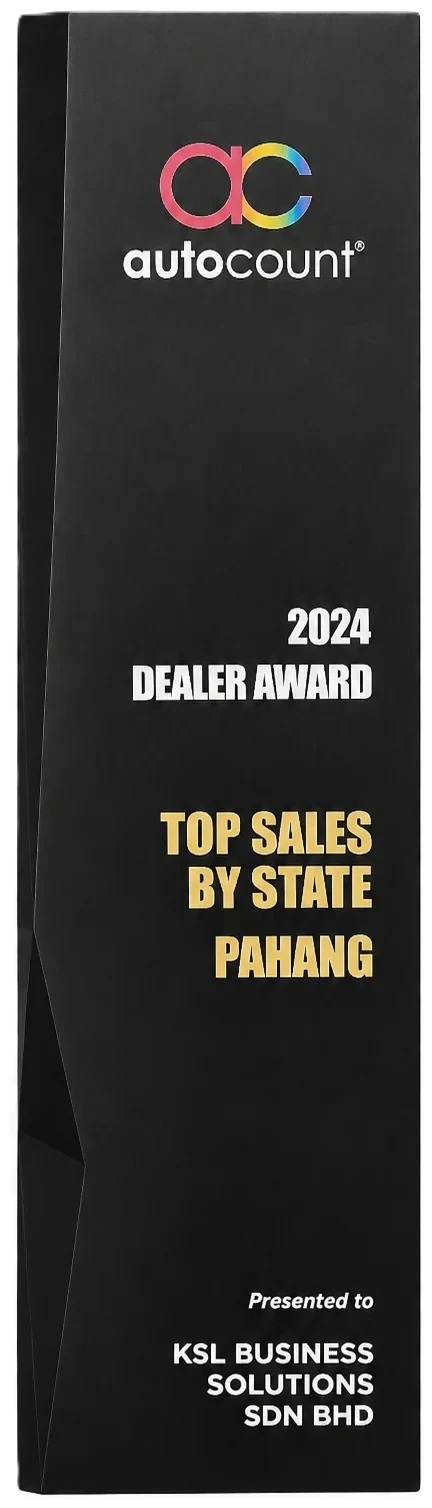
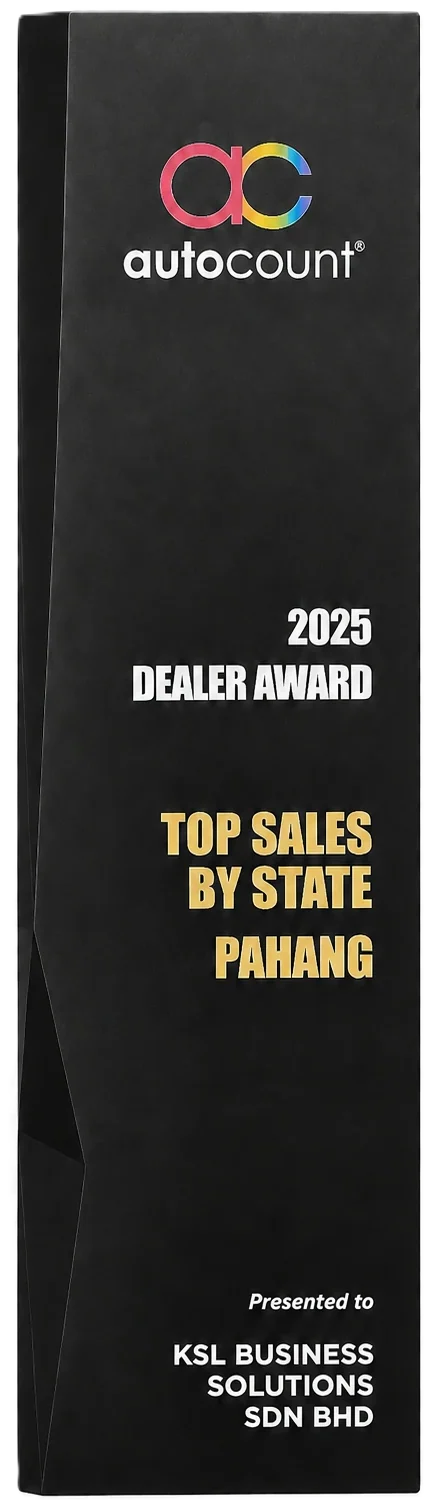
Top AutoCount Dealer in Pahang State for 6 Award-Winning Years - Empowering Your Business with Proven Expertise, Prompt On-Site Support & Dedicated Training









Experts, Not Just Advisors
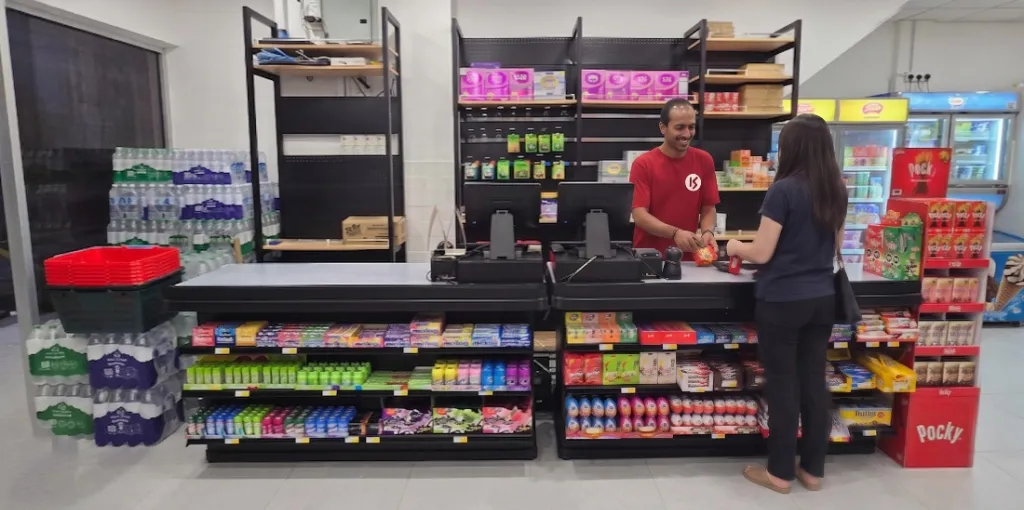
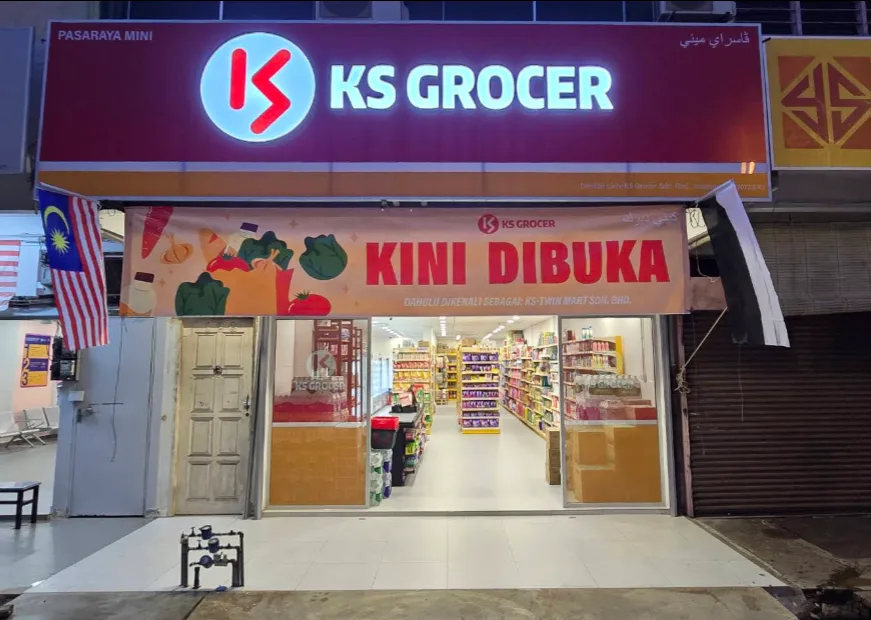
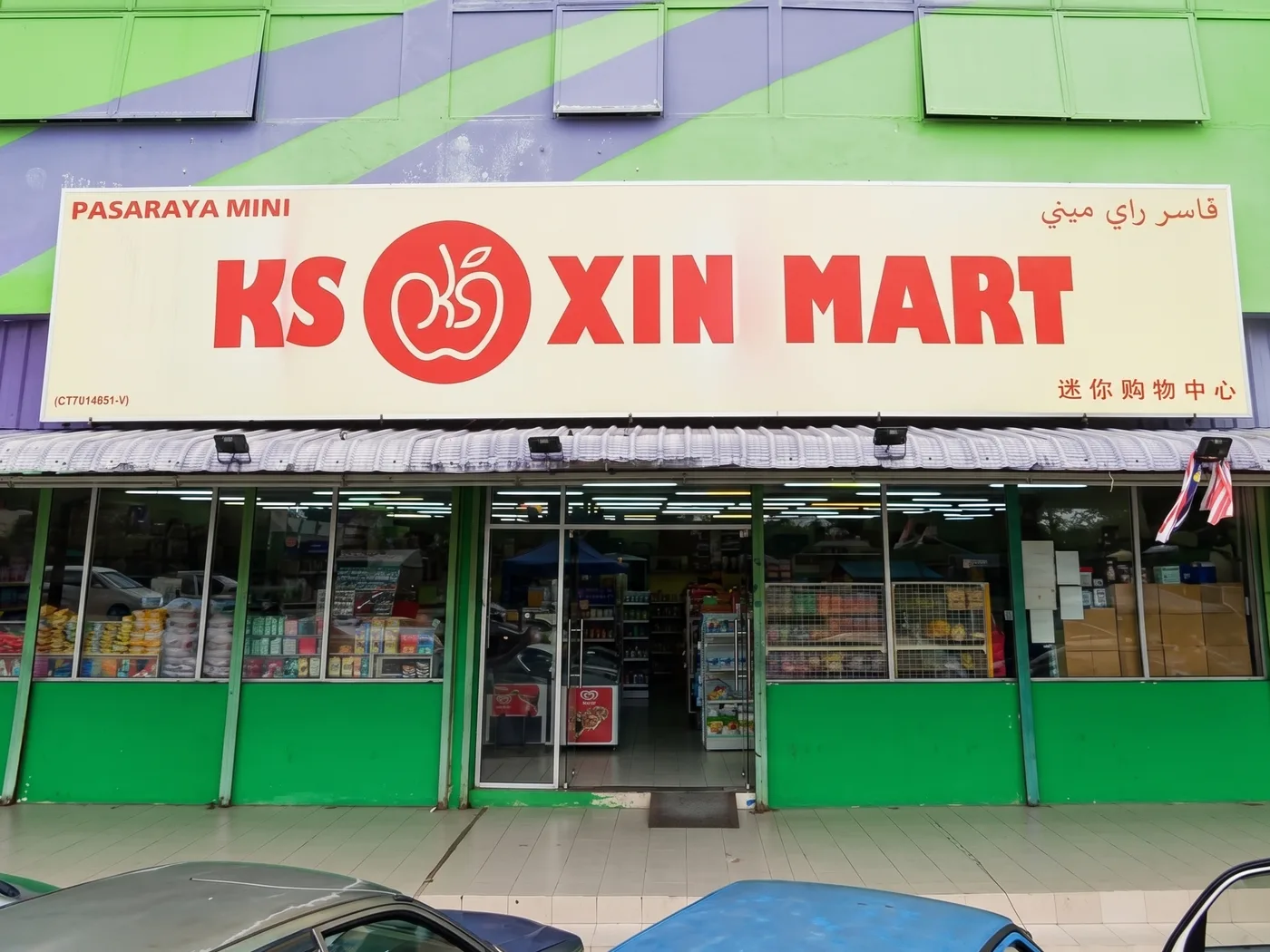
KS Leow Group operates 5 grocery stores using AutoCount Accounting and AutoCount POS, giving us practical experience in cashier operations and accounting.


Ready to build your POS setup?
Talk to KS Support Team for an AutoCount POS quotation, module advice, and counter implementation plan.