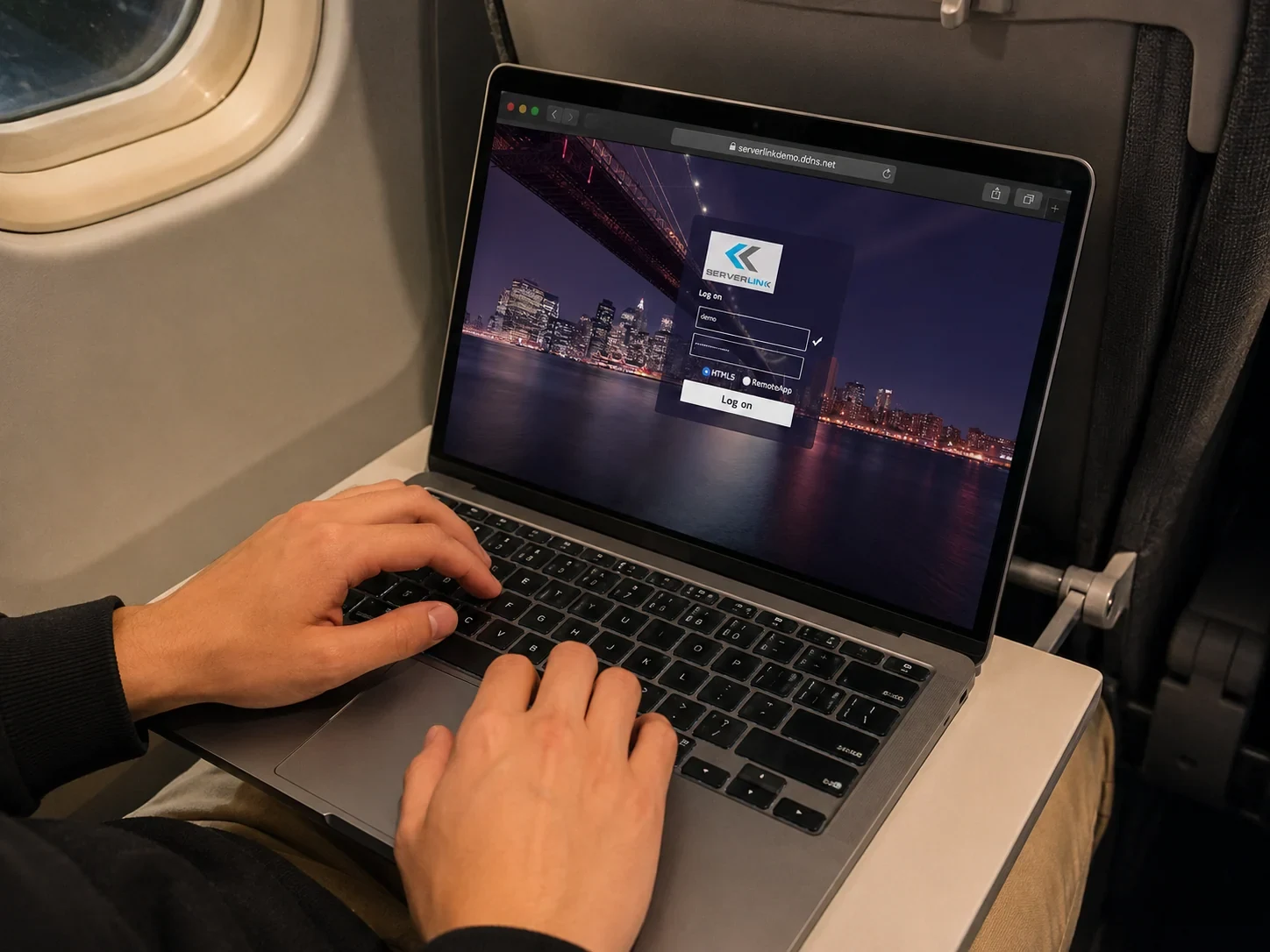
 Anytime, Anywhere, Any DeviceAccess your existing accounting or business software remotely without moving everything to a public cloud platform.
 Download and PrintClient PCs can download files from the server and print documents using their locally connected printers.
 Low LatencyServerLink helps extend your current server, software, and workflow instead of forcing a full system replacement.
 Setup guided by our teamWe help check Windows edition, server readiness, remote access tools, user count, and installation planning before rollout.
ServerLink Remote Access Methods
Keep your software and data on one Server PC, then choose how each client device connects.
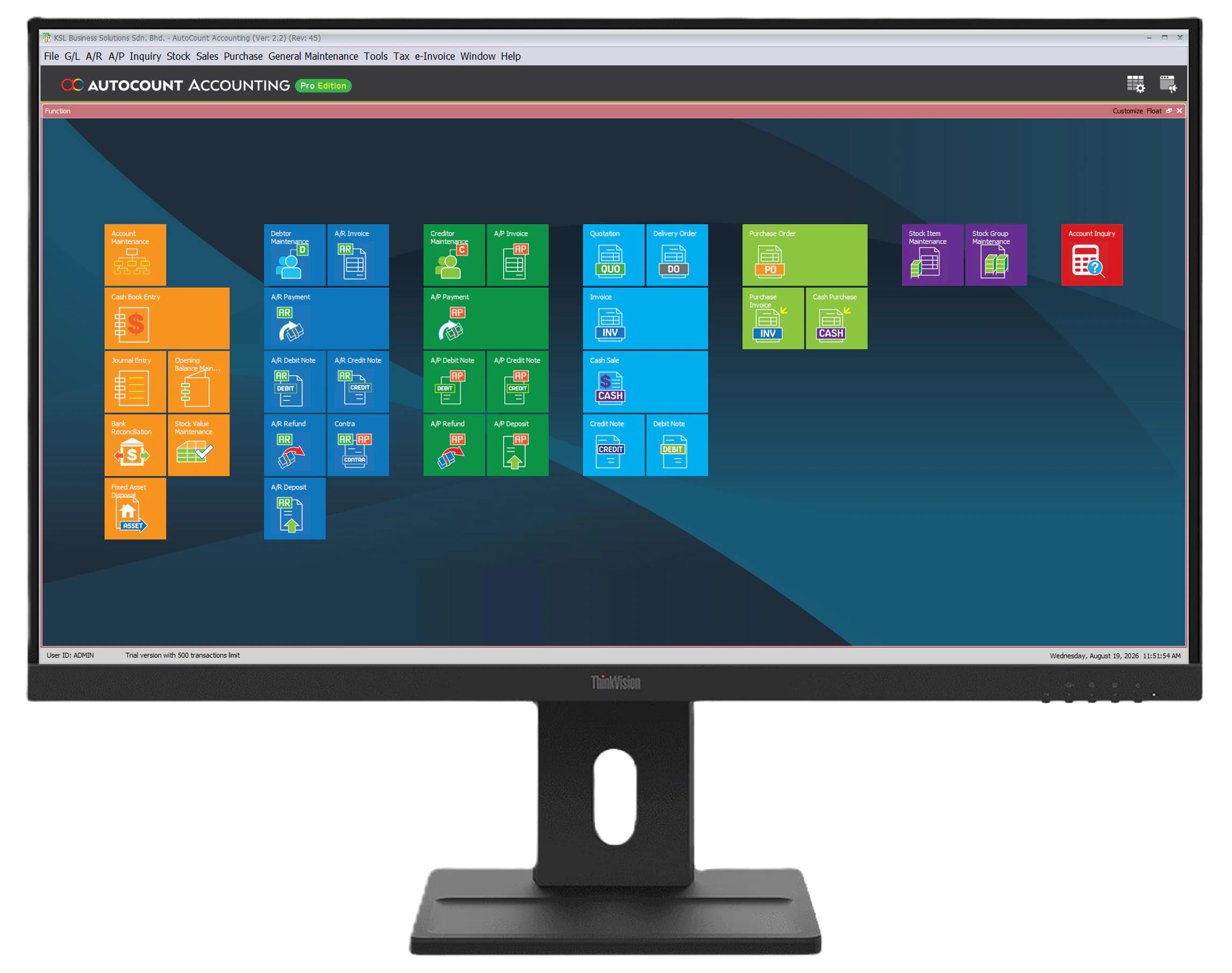
Your Existing Desktop Software
No hardware upgrade neededYour accounting, stock management, and ERP systems—together with user permissions—remain securely managed in one central location.
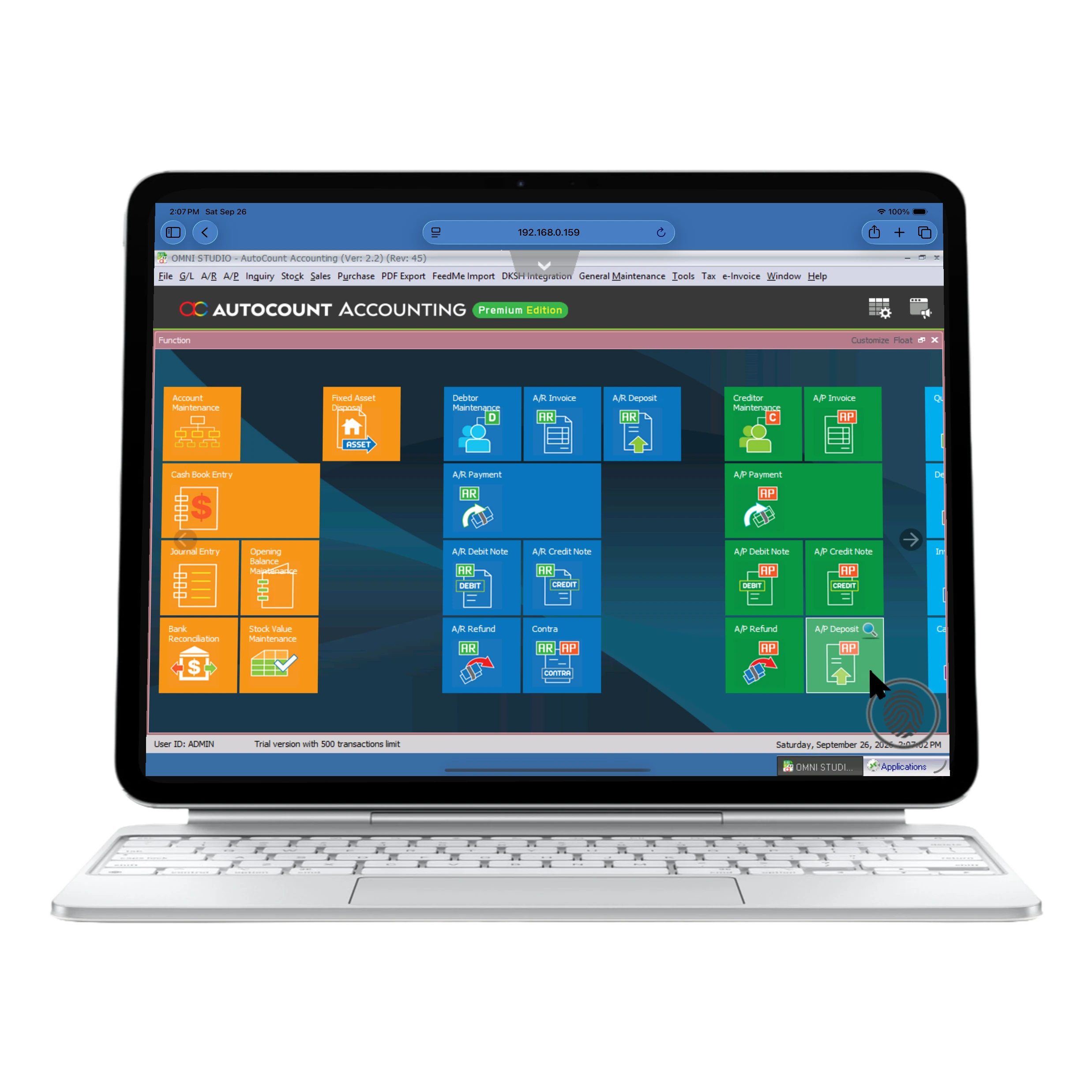
Connect via Web Browser
Browser accessOpen ServerLink in a supported browser for quick access without installing the desktop connector.
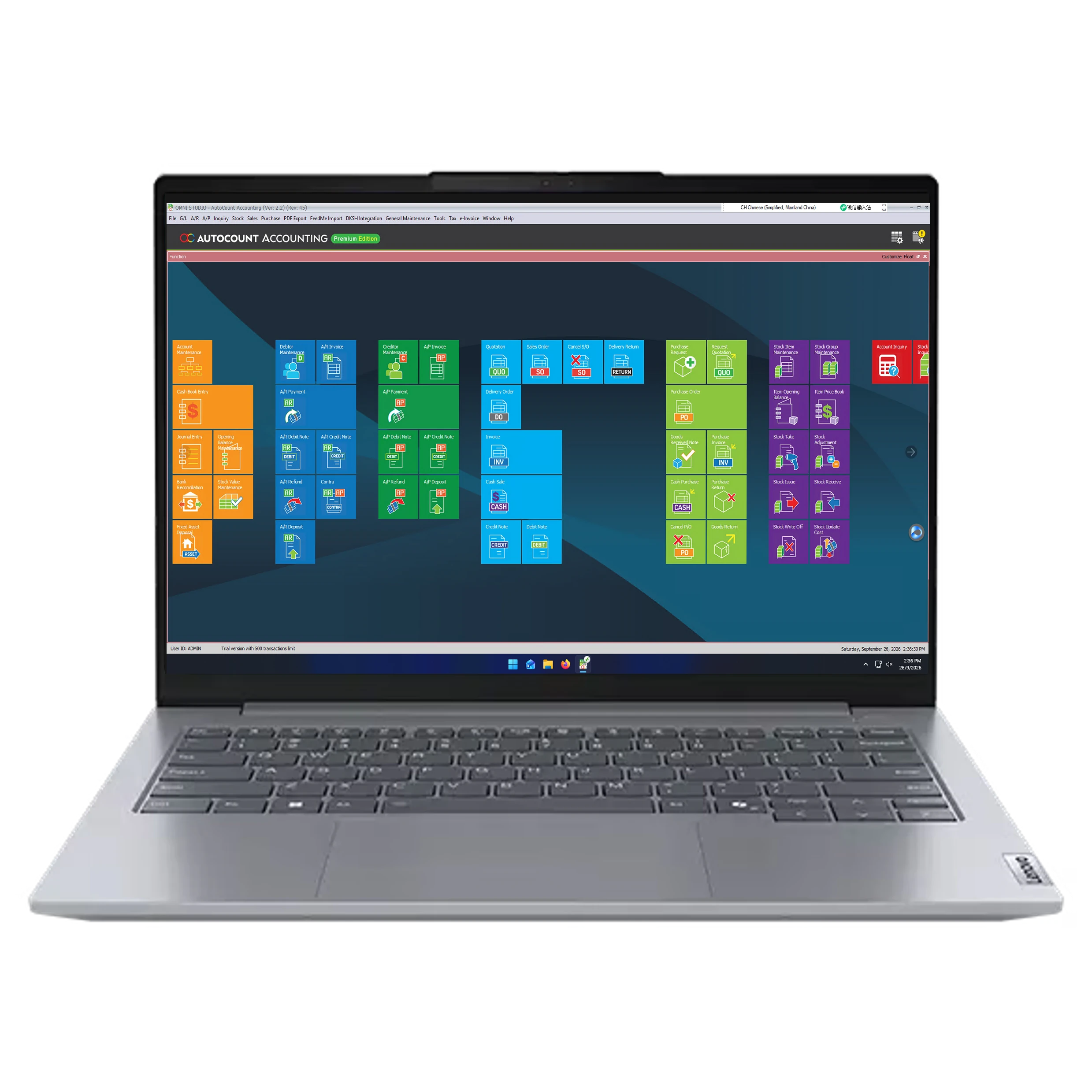
Connect via ServerLink Connector
Native app-like accessUse the desktop connector for a more direct, app-like way to open and work with your hosted software.
ServerLink Remote Access Pricing
Choose a ready bundle for a new remote access setup, or add more users when your team grows.
01 User
03 Users
05 Users
10 Users
20 Users
30 Users
40 Users
Unlimited Users
Add More Remote Users
Already using ServerLink? Pick your current user count and compare the available upgrade paths. We can help confirm the right upgrade before checkout.
All upgrades include 12 months support license.
Ready to set up ServerLink?
Talk to KS Support Team for a quotation, trial setup, and server readiness check.